Guidance for teachers on navigating sciPAD Online lessons. If you are a student, please visit the student section.
Book content
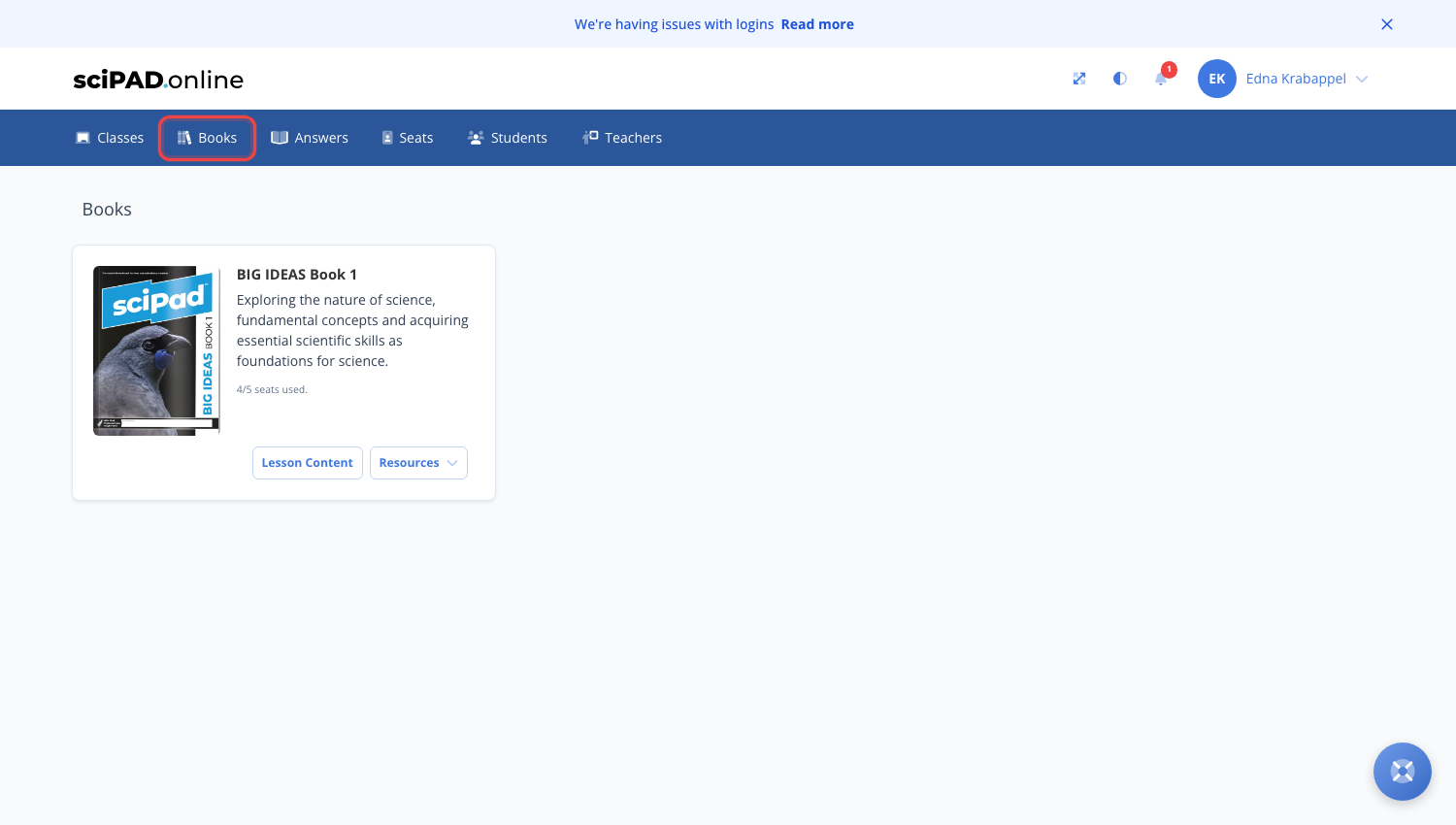
Use the top menu to navigate to your Books page. This shows all book titles available to your school. If you believe a title is missing, please email support@scipadonline.com.au.
Viewing content (not student content)
To view a lesson as a student would (without the hand-in interface), click the title of the book you would like to view.
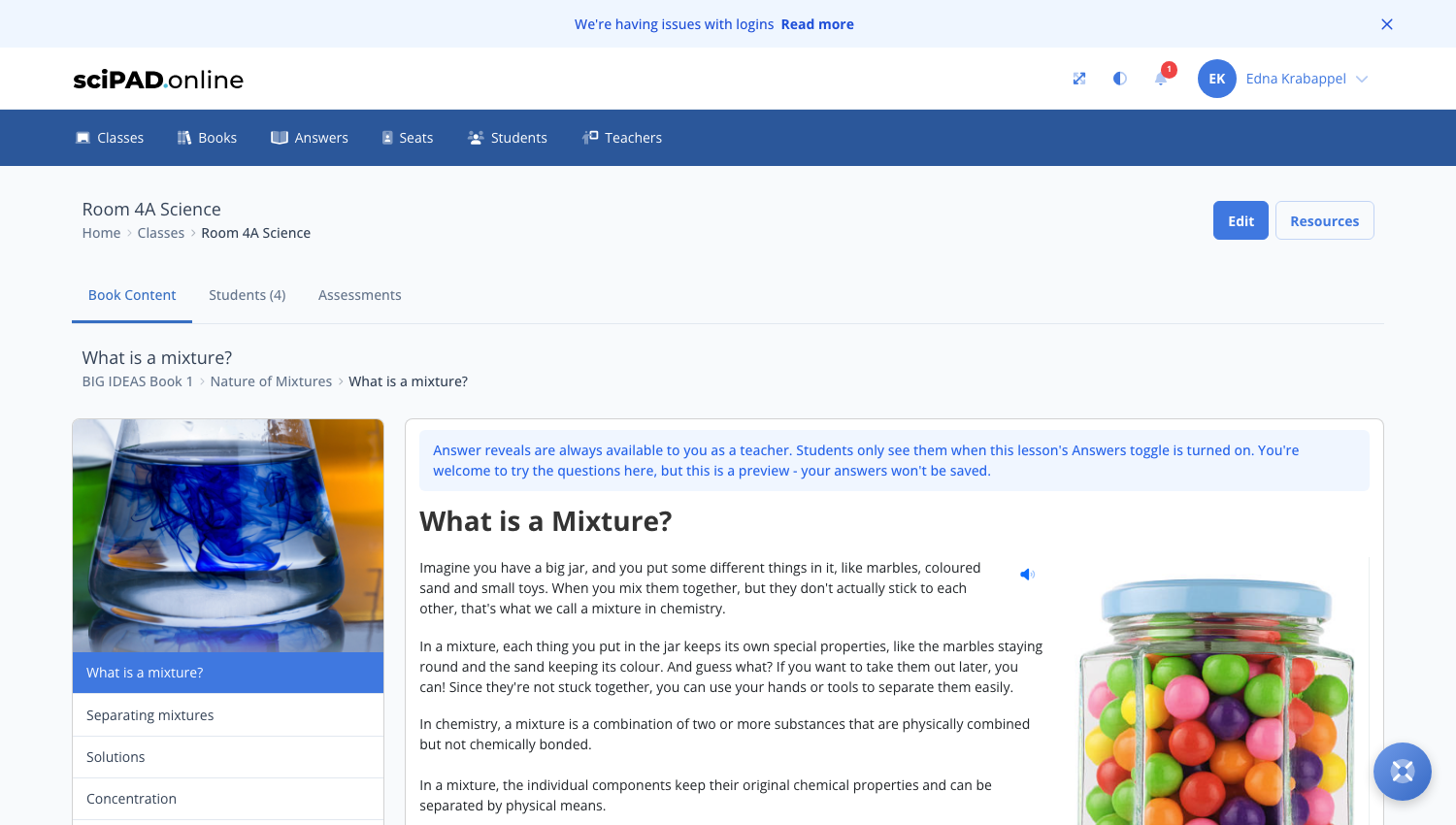
Inside this preview space you can view all lessons in the topic. Navigate using the left menu.
Navigating student work
Student work can be viewed within your classroom.
- Click the Classes tab at the top.
- Click on your class icon.
- Click the topic you would like to view.
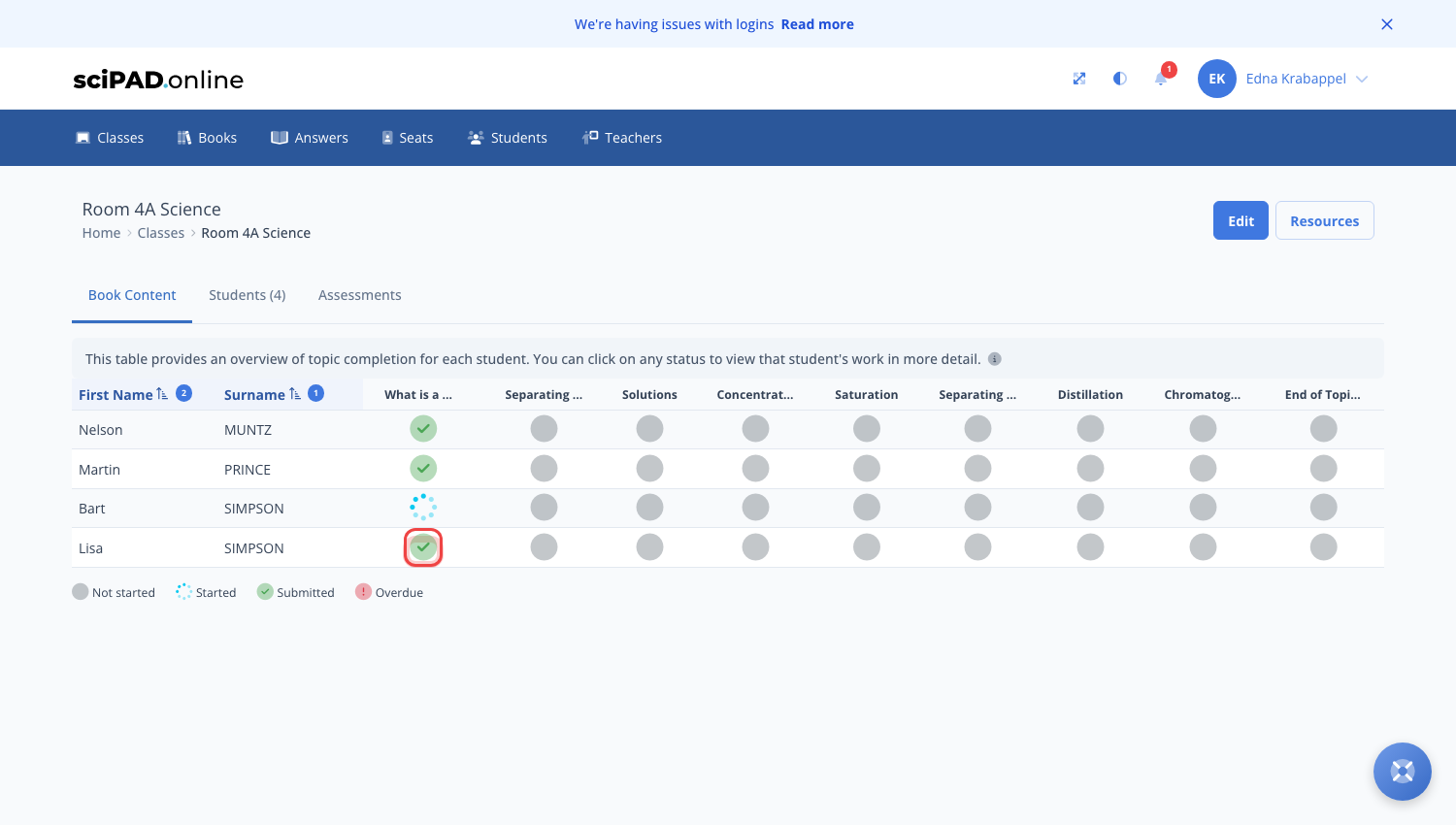
- Click the Topic Completion button.
- Click that student's status icon to open their work.
Navigating between workbooks (multibook classes)
Once you select a class you will see the window below. To navigate between workbooks, click the tab at the top of the topics panel. This will allow you to move to that particular workbook.

Providing personal lesson feedback
At the base of a student lesson you can provide optional feedback. To do this, fill in the text box and click submit. The student will receive a notification that feedback has been left.