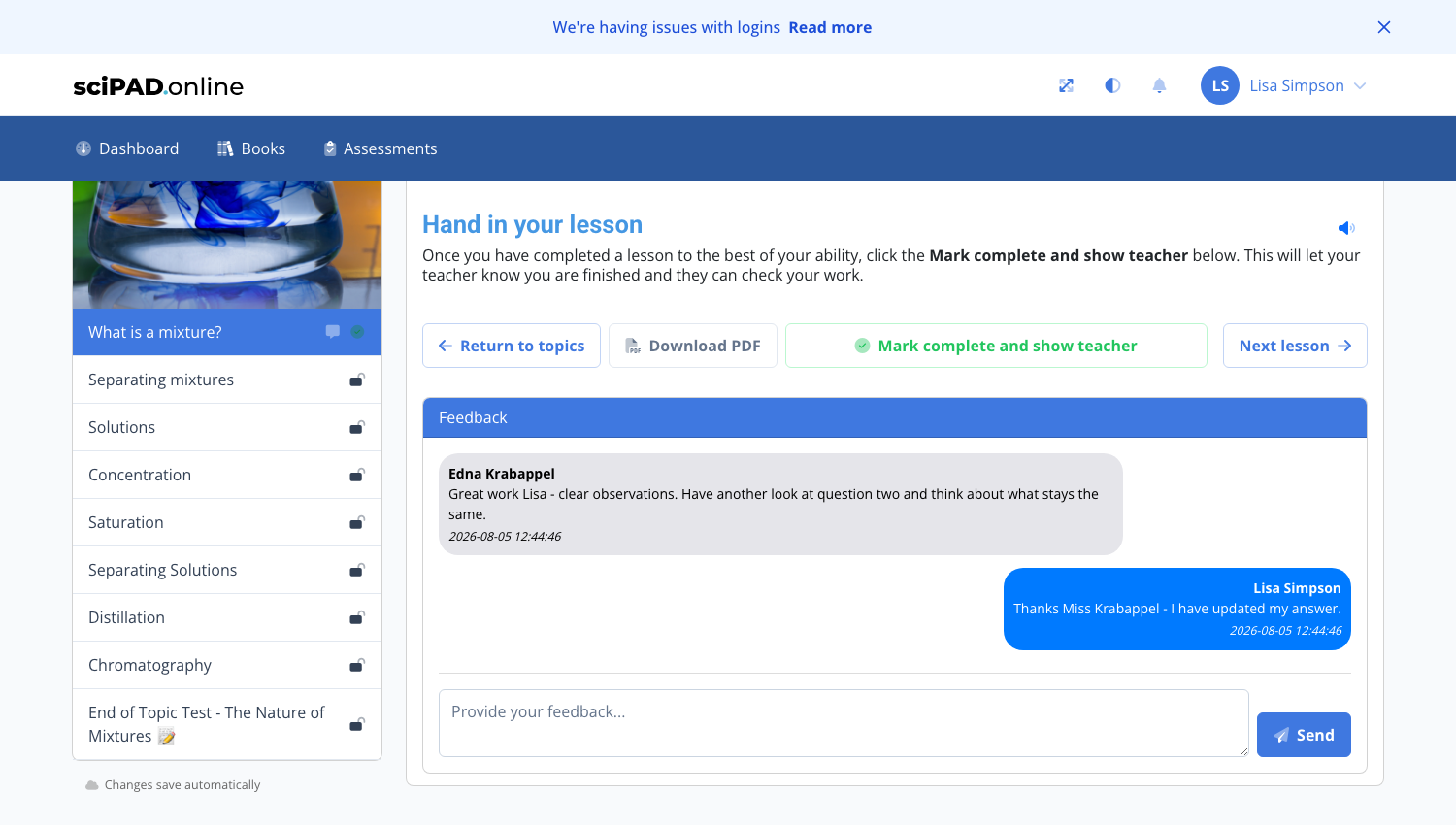
As a teacher or admin, you can provide lesson feedback at the base of each lesson. Students receive a notification when feedback is left and can reply directly.
Teacher view
At the base of each lesson viewed, teachers can provide feedback to the individual student. Once saved, the student will receive a notification and can also view this feedback. The student can also reply to this feedback.
To navigate to the feedback panel, click into the class, then click the Topic Completion button on the far right of the topic. Click the student's status icon and scroll to the bottom of the lesson.

Student view
Students see feedback at the bottom of their lesson and can reply, creating a simple message thread between teacher and student.