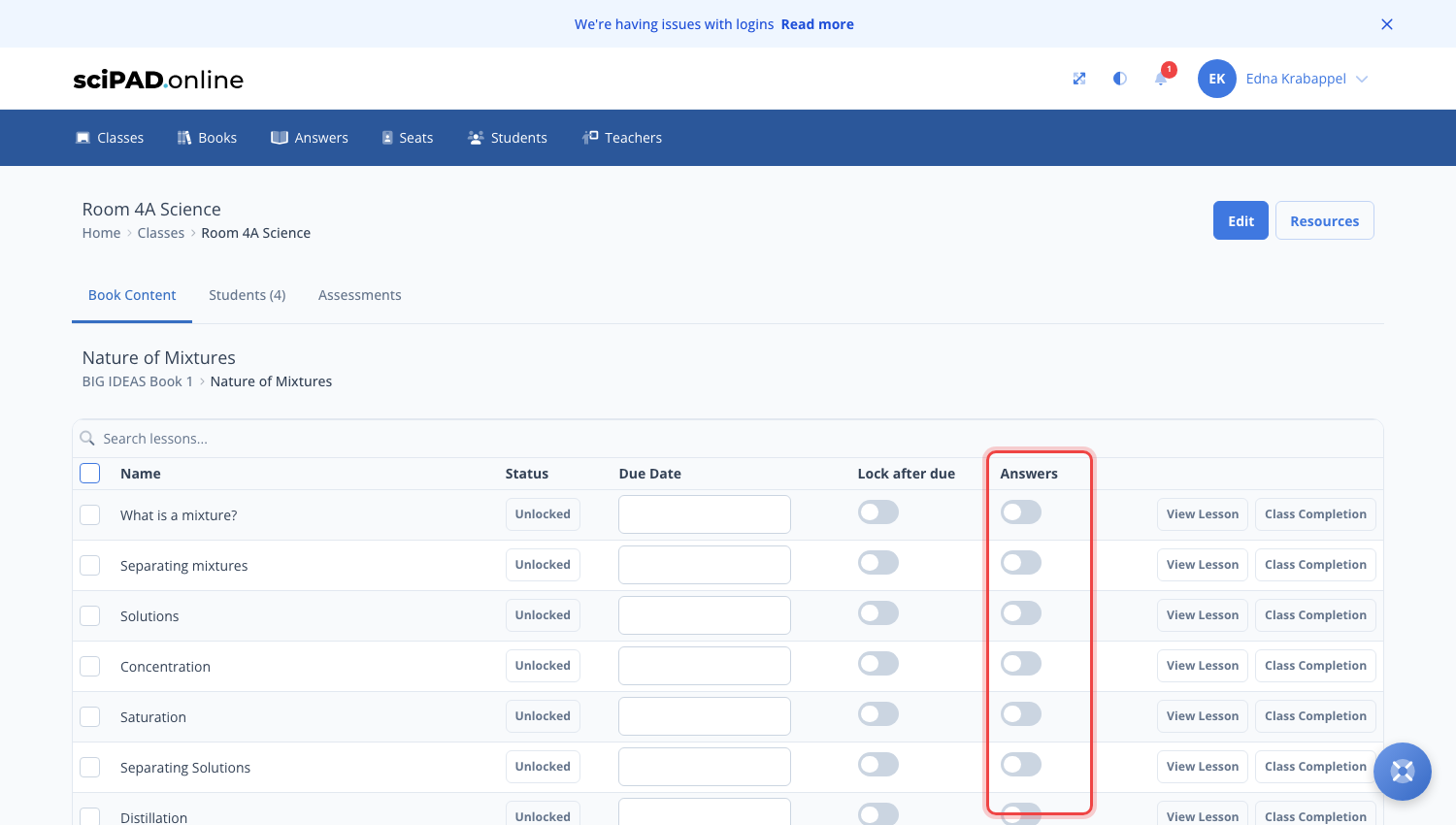
Unlock lessons for your students by setting a due date in your class lesson list. You can also choose whether answers are visible at lesson level.
How to set a lesson due date
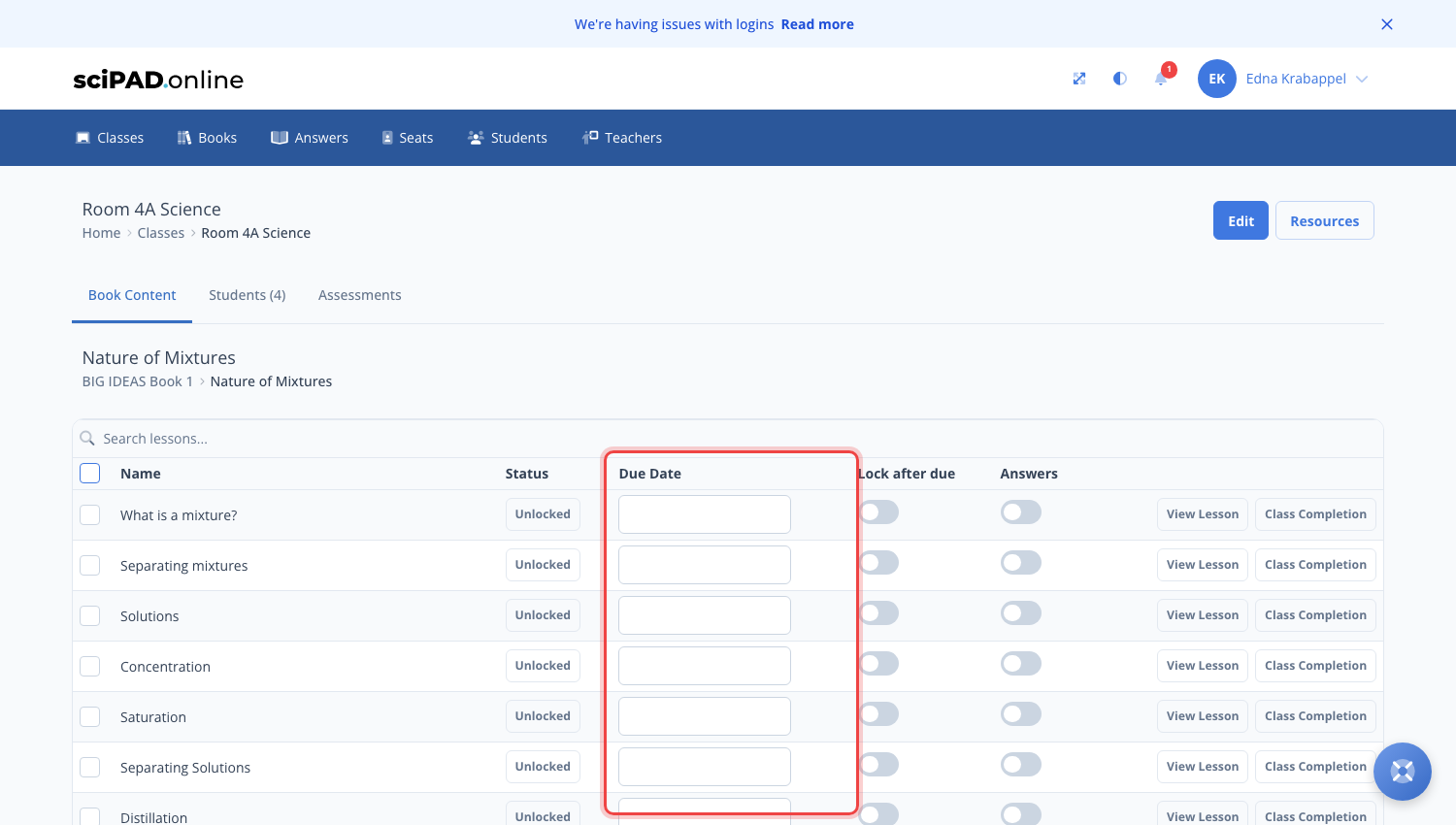
To assign a lesson to your students you will need to add a due date in your lesson list.
- Navigate to your class page and open the topic you are teaching.
- Click on the state button for the lesson to unlock. Here you can set a due date by clicking the calendar icon.
- The lesson will now be unlocked for your students and will appear on their upcoming lessons list.
Lesson states
Lessons are locked by default. Lessons can have the following states: open, closed or submitted.
- Locked — Students have no access.
- Open — Students have full access. This can be set with or without a due date.
- Submitted — The student has submitted the lesson.
Answers
By default, answers are inhibited. You can manually turn these on for a whole class or an individual student at lesson level.
- Navigate to a topic.
- Click the slider for answers — when enabled this will show as blue. This can be enabled for the entire class or a single student (if done under the topic completion page).