Before creating an account, students will need a class code. If you have not created a class please do it now.
Please show students the video below before having them set up accounts.
Direct video link to share: https://player.vimeo.com/video/1085529436
New user (never used sciPAD Online before)
- Students should navigate to scipadonline.com.au and click Student Login.
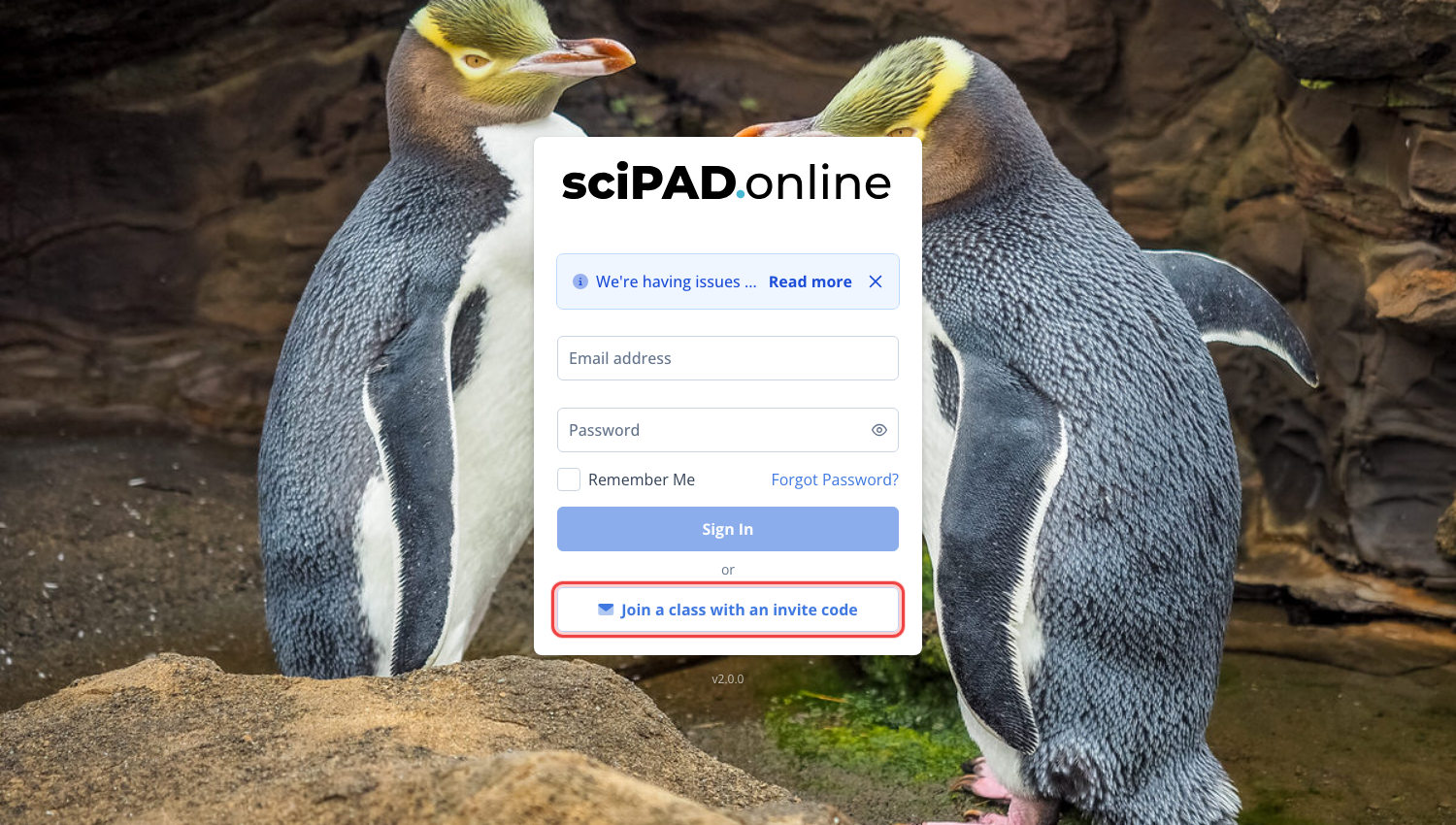
- On the sign-in page, click Join a class with an invite code.
- They will then be prompted to add their name, school email, a password, and your class code. Good practice at this step is to get either yourself or another student to check their correct name and email is entered before clicking Create account.
- They will now be logged into the platform.
After a student has successfully registered and created an account, that account will serve them throughout their entire school tenure.
*If a student has created an account using a wrong email you can check and edit this in your class list. You can also edit first and last names as well as set a new password. To access the class list, click your class and the tab Students.*
Existing user
If a student has previously used the platform in a prior year, they should login to the new platform using their existing email and password.
They have the option to reset their password directly from the login screen if necessary.
- Students should navigate to scipadonline.com.au and sign in with their email and password.
- Once signed in, click Join new class at the bottom of the dashboard and enter the class code.
Fixing login issues
- The first place to check is your class list. Is the student's email address correct? You can edit this as well as the password if required. 99% of login errors are typos.
- If your student has made multiple accounts, you can delete the multiples.
- If your student does not appear on your lists, please email support@scipadonline.com.au.
Student instructions on navigating the platform
Direct student link: https://player.vimeo.com/video/1057659388
FAQ
Most issues with student login are linked to incorrect email addresses being used during setup. As admin please double check the student's email is correct on the platform under the Students tab.
My student cannot access their account that was created last year?
Students can reset their passwords under the login window. Please email support@scipadonline.com.au if your students cannot log in.
School admin can see all past and present students using the Students tab on the top menu – this is also where a reset password email can be sent.
My student cannot reset their password.
This will be due to the initial email address used for signup having an error. You can fix this yourself - edit the student's email (and set a new password if needed) from your class list, and school admins can find any student at the school under the Students tab. Click here to see how. If you still have trouble, contact support@scipadonline.com.au with the correct email address.